
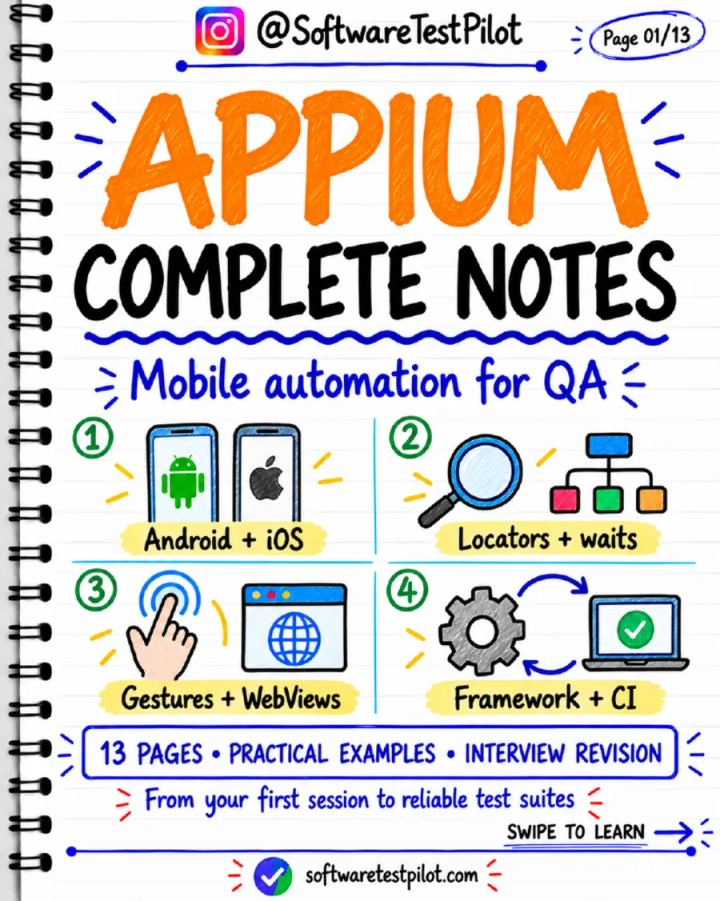
Appium Complete Notes
Published by SoftwareTestPilot
PDF • 13 pages • Study Notes • Intermediate • Mobile Testing
Published 30 October 2026 • Updated 30 October 2026
Included in QA Notes Vault
Preview this resource below, or unlock the complete QA Notes Vault for ₹199 lifetime access.
A 13-page reference guide covering Appium mobile automation setup, session capabilities, locators, waits, gestures, hybrid apps, and CI execution.
Already bought the Vault?
Read Appium Complete Notes
Opening the note…
Like this resource? Unlock this plus 175+ other QA notes with lifetime Vault access.
Overview
Appium Complete Notes provides technical documentation for automated testing of native, mobile web, and hybrid applications. It explains the core architecture connecting test clients, the Appium server, and platform drivers such as UiAutomator2 for Android and XCUITest for iOS, including local setup requirements with Node.js, Android SDK tooling, and Xcode. The guide details session capabilities, UI inspection, synchronization strategies, Java test construction, and mobile gestures. Additional topics include handling WebView contexts in hybrid applications, structuring maintainable screen object frameworks, and configuring parallel test execution in CI environments with isolated port allocations.
What you'll learn
- Configure Appium environments for Android and iOS using UiAutomator2 and XCUITest drivers.
- Define session capabilities targeting specific platforms, devices, and application paths.
- Identify mobile elements using stable resource IDs, accessibility identifiers, and Appium Inspector.
- Implement explicit waits to synchronize tests without mixing implicit wait timers.
- Automate touch gestures including taps, swipes, and scrolls using supported driver commands.
- Switch contexts between native application UI and embedded WebViews in hybrid applications.
- Isolate parallel execution sessions across devices using unique ports in CI pipelines.
Topics covered
- appium
- mobile automation
- uiautomator2
- xcuitest
- android testing
- ios testing
Table of contents
- What Appium actually does
- Android setup: first session read
- iOS setup and device preparation
- Capabilities: describe your session
- Inspector and reliable locators
- Wait for state, not just time
- A small Java test you can explain
- Gestures and mobile-only behaviour
- Hybrid apps: switch the context
- Build a maintainable framework
- CI, parallel runs and debugging
- Appium: quick revision checklist
Selected preview
Appium is an open-source automation platform. Drivers connect it to specific platforms.
Extract from the PDF pages of this resource.
Tools covered
- Appium
- UiAutomator2
- XCUITest
- Node.js
- npm
- Xcode
- Appium Inspector
- Selenium
- JUnit Jupiter
Skills covered
- Mobile Test Automation
- Locator Strategy
- Context Switching
- Test Synchronization
- Parallel Test Execution
Who this resource is for
- QA Engineers
- Software Testers
Format and what you get
- A downloadable PDF you can read on phone or laptop.
- Included in the QA Notes Vault: one payment unlocks every note in the Vault, with lifetime access to it.
- Download after signing in with the account that paid. Refunds follow our refund policy.
Appium Complete Notes: common questions
1.What does Appium Complete Notes cover?
2.How long is this PDF and what format is it in?
3.Who is this resource for?
4.How do I get the full PDF?
QA Notes Vault
Get Appium Complete Notes and the complete Vault
Download this resource in full, plus 175+ other quick-revision QA notes — all for ₹199 with lifetime access.
- One-time payment
- Lifetime access
- Secure checkout
Related QA Resources
More notes on this topic, all included in the same Vault purchase.
Node.js: Complete Notes
Included in QA Notes VaultStudy Notes· All Levels· 13 pages
Playwright: 30 Interview Questions and Answers
Included in QA Notes VaultInterview Questions· Intermediate· 13 pages
Bug Triage Meeting Complete Notes
Included in QA Notes VaultStudy Notes· Intermediate· 13 pages
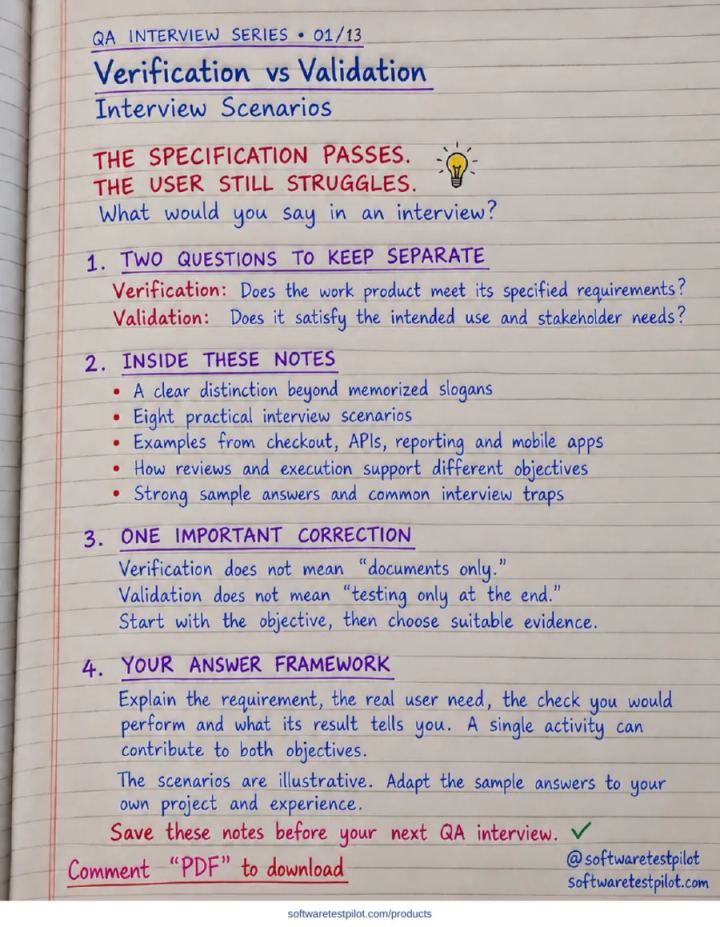
Verification vs Validation: Interview Scenarios
Included in QA Notes VaultStudy Notes· Intermediate· 13 pages
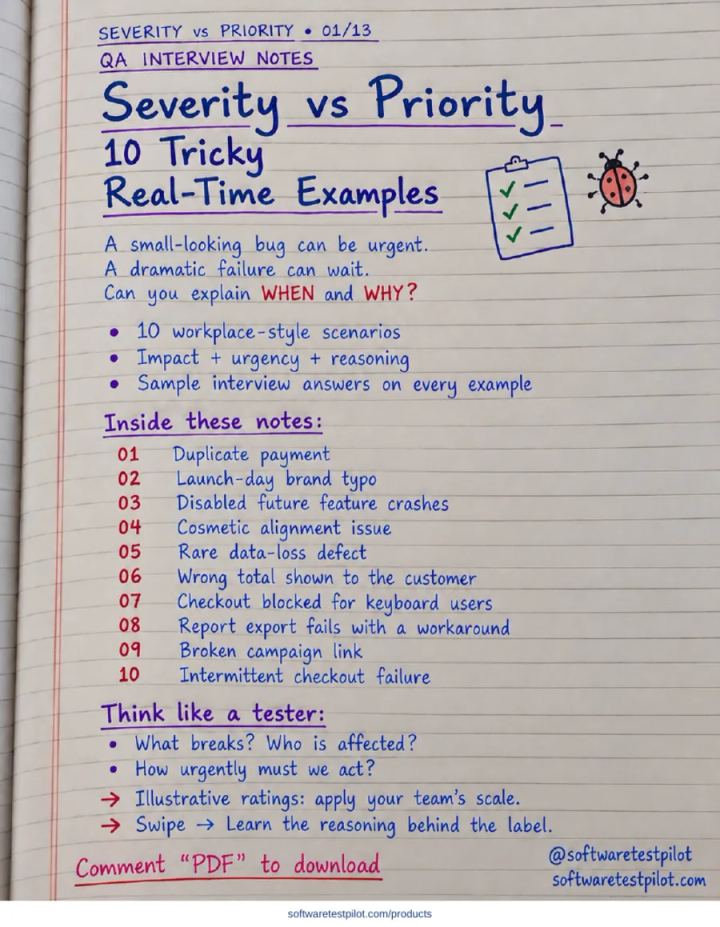
Severity vs Priority: 10 Tricky Real-Time Examples
Included in QA Notes VaultStudy Notes· Intermediate· 13 pages
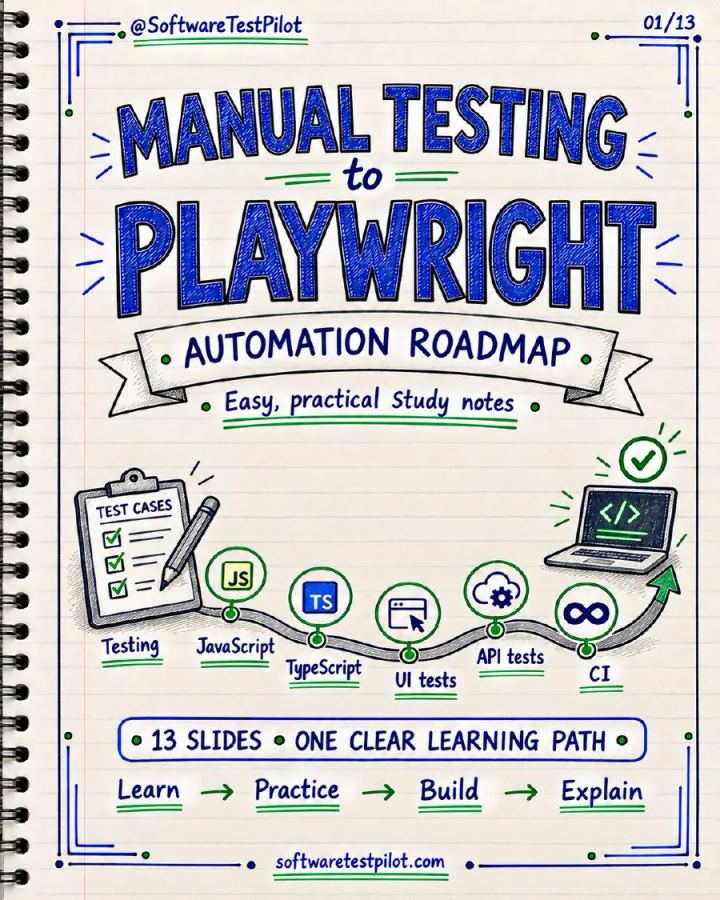
Manual Testing to Playwright Roadmap Notes
Included in QA Notes VaultStudy Notes· Beginner· 13 pages