
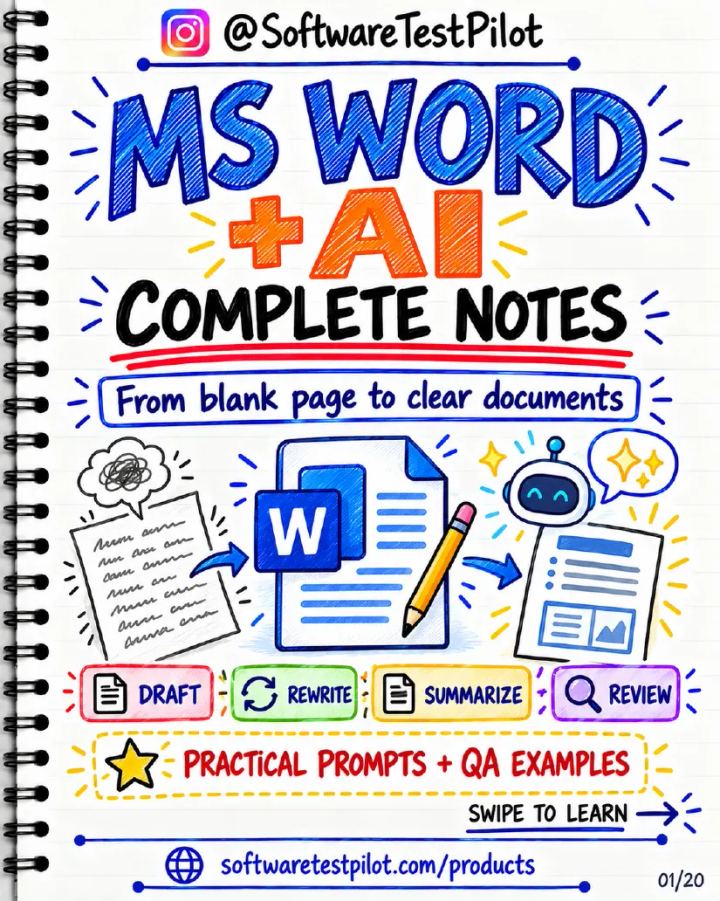
MS Word with AI: Complete Notes
Published by SoftwareTestPilot
PDF • 20 pages • Notes • All Levels • AI for QA
Published 11 October 2026 • Updated 11 October 2026
Included in QA Notes Vault
Preview this resource below, or unlock the complete QA Notes Vault for ₹199 lifetime access.
20-slide notes on using Copilot and Microsoft Editor in Word to draft test plans, bug reports, summaries and meeting actions without changing facts or leaking sensitive data.
Already bought the Vault?
Read MS Word with AI: Complete Notes
Opening the note…
Like this resource? Unlock this plus 175+ other QA notes with lifetime Vault access.
Overview
20-slide notes on using Copilot and Microsoft Editor in Word to draft test plans, bug reports, summaries and meeting actions without changing facts or leaking sensitive data. Published by SoftwareTestPilot.
What you'll learn
- Know what Copilot and Microsoft Editor each do in Word
- Write prompts with a clear goal, audience, format and limits
- Draft test plans and bug reports from your own notes
- Summarize documents and turn notes into tables and action items
- Keep facts accurate and sensitive data safe when using AI
Topics covered
- ai-testing
Table of contents
- What AI does in Word
- Copilot vs Editor
- Before you begin
- A prompt that works
- Start with an outline
- Draft from your notes
- Use source documents
- Rewrite without changing facts
- Summarize long documents
- Ask your document questions
- Turn text into tables
- Create a test-plan draft
- Write a clear bug report
- Meeting notes to actions
- Polish the final document
- Keep sensitive data safe
- Common problems and fixes
- Your 5-step workflow
Tools covered
- Microsoft Word
- Microsoft Copilot
- Microsoft Editor
Skills covered
- AI-assisted Documentation
- Prompt Writing
Who this resource is for
- Manual Tester
- Automation Tester
- QA Lead
Format and what you get
- A downloadable PDF you can read on phone or laptop.
- Included in the QA Notes Vault: one payment unlocks every note in the Vault, with lifetime access to it.
- Download after signing in with the account that paid. Refunds follow our refund policy.
MS Word with AI: Complete Notes: common questions
1.What does MS Word with AI: Complete Notes cover?
2.How long is this PDF and what format is it in?
3.Who is this resource for?
4.How do I get the full PDF?
QA Notes Vault
Get MS Word with AI: Complete Notes and the complete Vault
Download this resource in full, plus 175+ other quick-revision QA notes — all for ₹199 with lifetime access.
- One-time payment
- Lifetime access
- Secure checkout
Related QA Resources
More notes on this topic, all included in the same Vault purchase.
Deep Learning and Generative AI: Complete Notes
Included in QA Notes VaultNotes· All Levels· 13 pages
Will AI Replace Software Testers?
Included in QA Notes VaultStudy Notes· All Levels· 13 pages
Reviewing AI-Generated Test Cases: Complete Notes
Included in QA Notes VaultNotes· All Levels· 13 pages
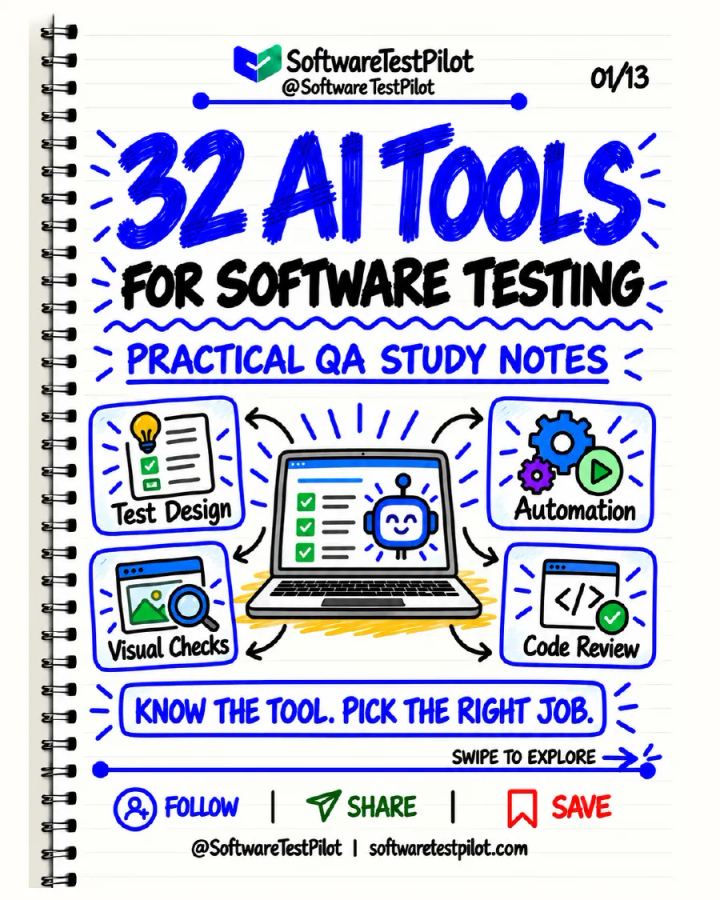
32 AI Tools for Software Testing: Complete Notes
Included in QA Notes VaultStudy Notes· All Levels· 13 pages
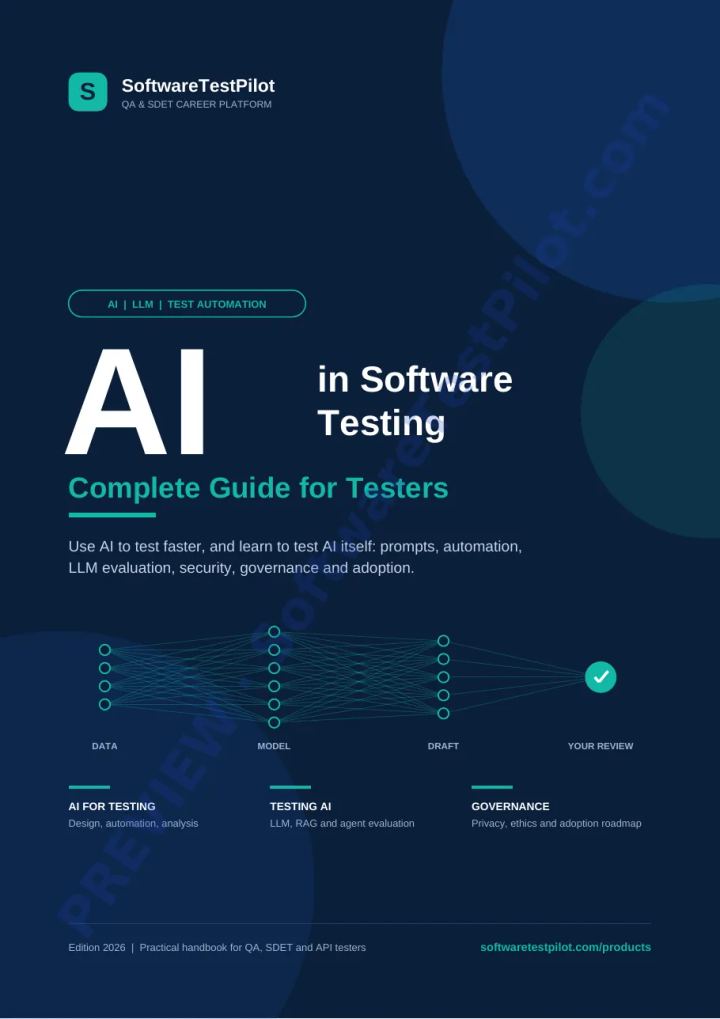
AI In Software Testing Notes
Included in QA Notes VaultNotes· All Levels· 26 pages

100 AI Testing Interview Questions
Included in QA Notes VaultInterview Questions· Advanced· 16 pages